One hub for connections, accounts, and file imports
Every way trades enter Deltalytix now has one home. The new Connections hub brings provider connections, their hosted accounts, and standalone file imports into a single workflow.
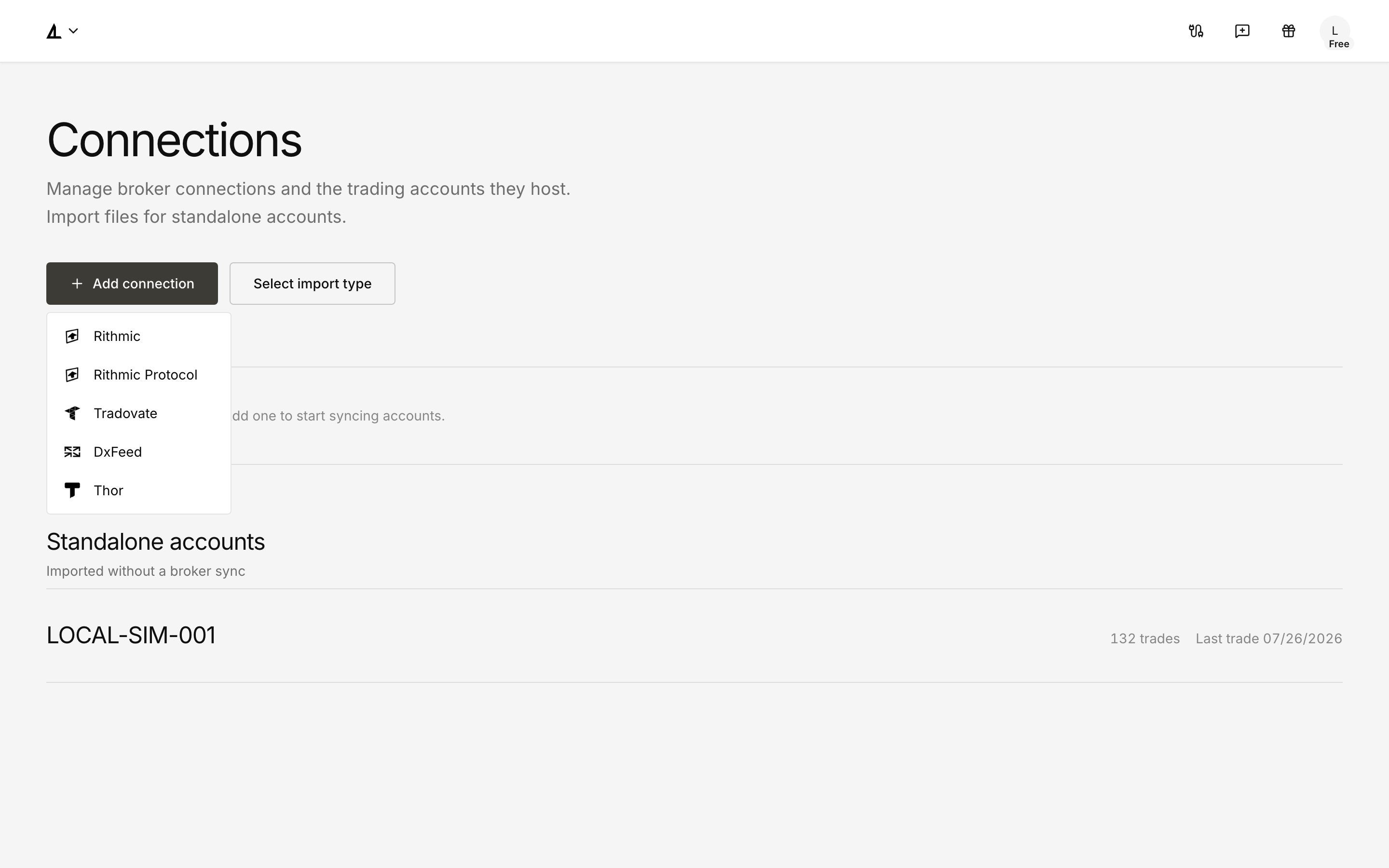
See and manage every connection
Expand a Rithmic, Tradovate, DxFeed, Thor, or Rithmic Protocol connection to review its health, account and trade counts, schedule, last synchronization, and available actions. You can:
- run Sync now for one connection or Sync all across the page;
- reconnect or remove a connection from its action menu;
- use the provider
+action to add another connection; - see the last trade date for standalone accounts instead of irrelevant synchronization details.
Removing a connection does not remove trades you have already imported. During a refresh, per-row progress keeps the connection being synchronized identifiable.
Add providers and files without leaving the flow
Add connection takes Tradovate, DxFeed, and Thor directly to their provider-specific setup. Choose Import file to create or update a standalone account inline. The previous Import destination now feeds into this consolidated experience.
The layout and account actions also adapt to narrow screens, so connection management remains usable on mobile. Open Connections to add a provider, synchronize an account, or import a file.