Import closed DeepCharts trades from a Trade List CSV
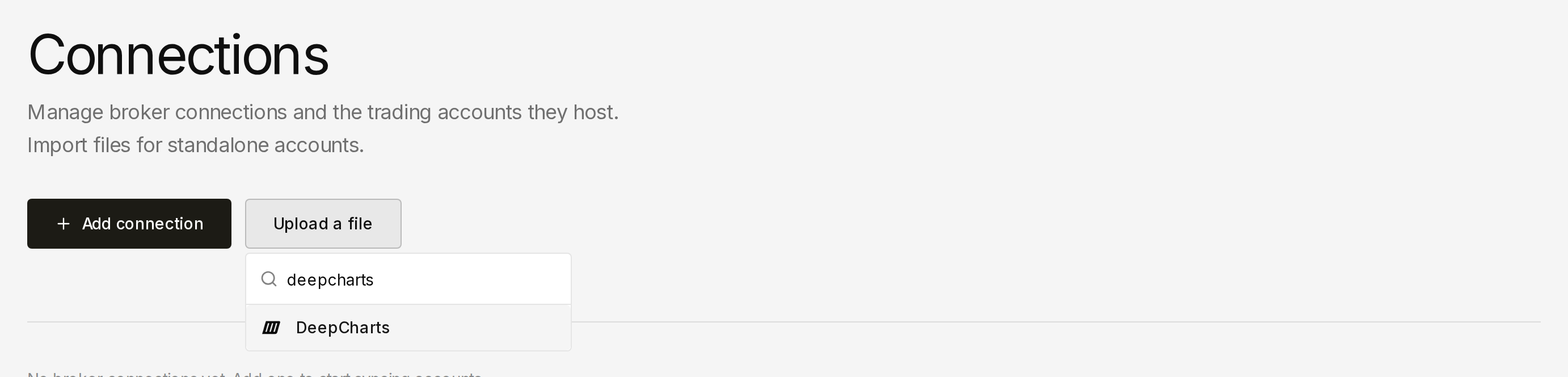
Traders who export from DeepCharts can now import closed trades from a Strategy Report → Trade List CSV. On Connections, choose Upload a file and pick DeepCharts under Platform CSV Import (DeepCharts Trade List CSV). Header mapping is skipped because the columns are fixed; you still choose which Deltalytix account receives the trades. This is a file import, not a live DeepCharts connection.
Export as a semicolon-delimited CSV. Required headers — order may vary — are Symbol, Quantity, Entry DT, Entry Price, Exit DT, and Exit Price. Quantity sign is the side: positive is long, negative is short; the stored quantity is the absolute value. Naive timestamps such as 2026-01-06 17:35:22 are stored as written (UTC wall-clock, no exchange timezone). When a ProfitLoss column is present, that cash P&L is used as-is; Deltalytix does not invent P&L from ticks. Commission is 0 when the file has no fee column. Blank rows are skipped.
A file that cannot be read shows Unable to read this DeepCharts export and Upload a DeepCharts Trade List CSV with Symbol, Quantity, Entry DT, Entry Price, Exit DT, and Exit Price columns. A readable file with no completed rows shows No completed DeepCharts trades found.
From Connections, choose Upload a file, pick DeepCharts, and import a Trade List CSV — or start from the DeepCharts sample.