DxFeed connect detects your prop firm from your login
Connecting through DxFeed is a single-step form now. From the dashboard connections strip or Connections, add DxFeed. The Add DxFeed connection sheet asks for one thing: Sign in with the same username and password you use on your prop firm's DxFeed platform. We detect the firm from that login.
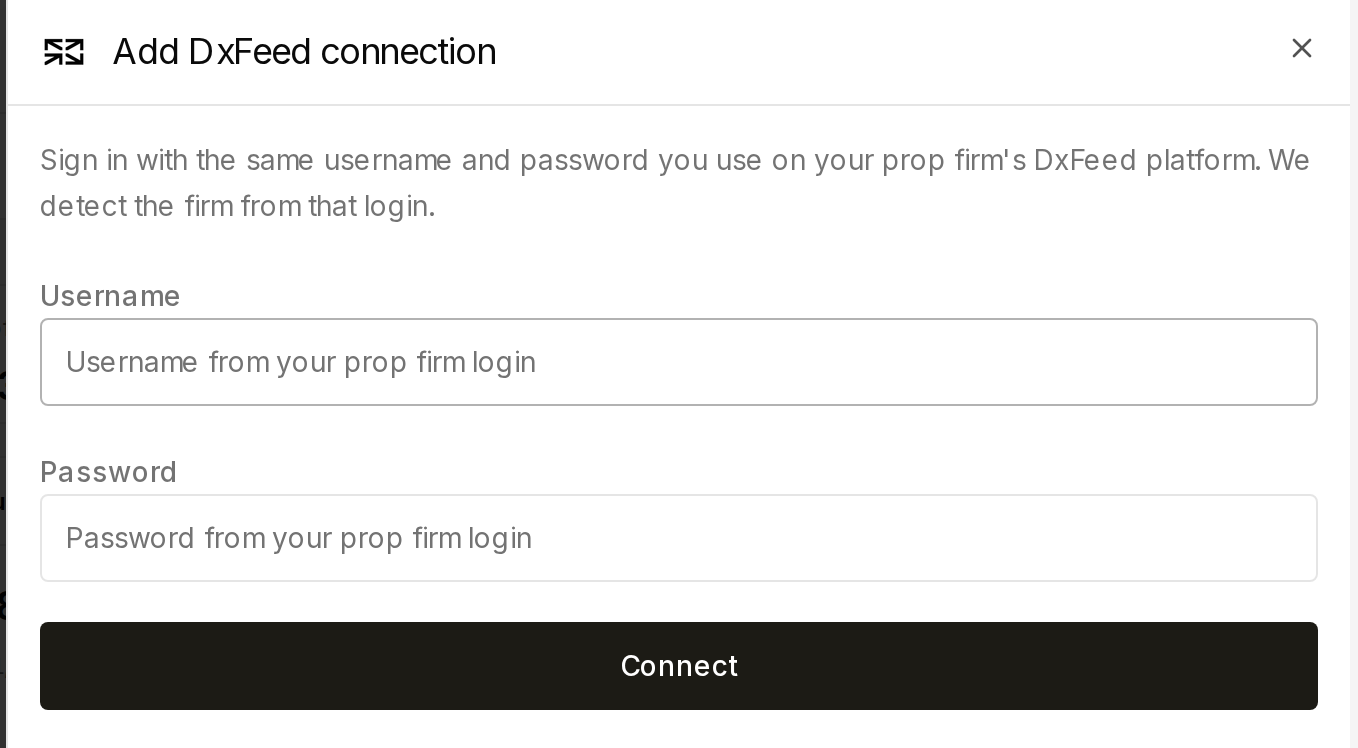
The separate prop-firm picker step is gone — there's no list to search and no Continue step before credentials. The username field also accepts non-email logins (for example trader_ht50), which some firms issue instead of an email address; validation just checks that a username and a password were entered.
Behind the scenes, the firm is detected from your DxFeed/Volumetrica authentication host and its reported firm name, with a fallback to a generic "DxFeed" label when a firm can't be matched to a known name. There's still no allowlist: using DxFeed doesn't guarantee every prop firm's data is available, and connecting still requires a real provider endpoint to complete.
Add a DxFeed connection to see the single-step form.