Settings is now a short account page, with account deletion
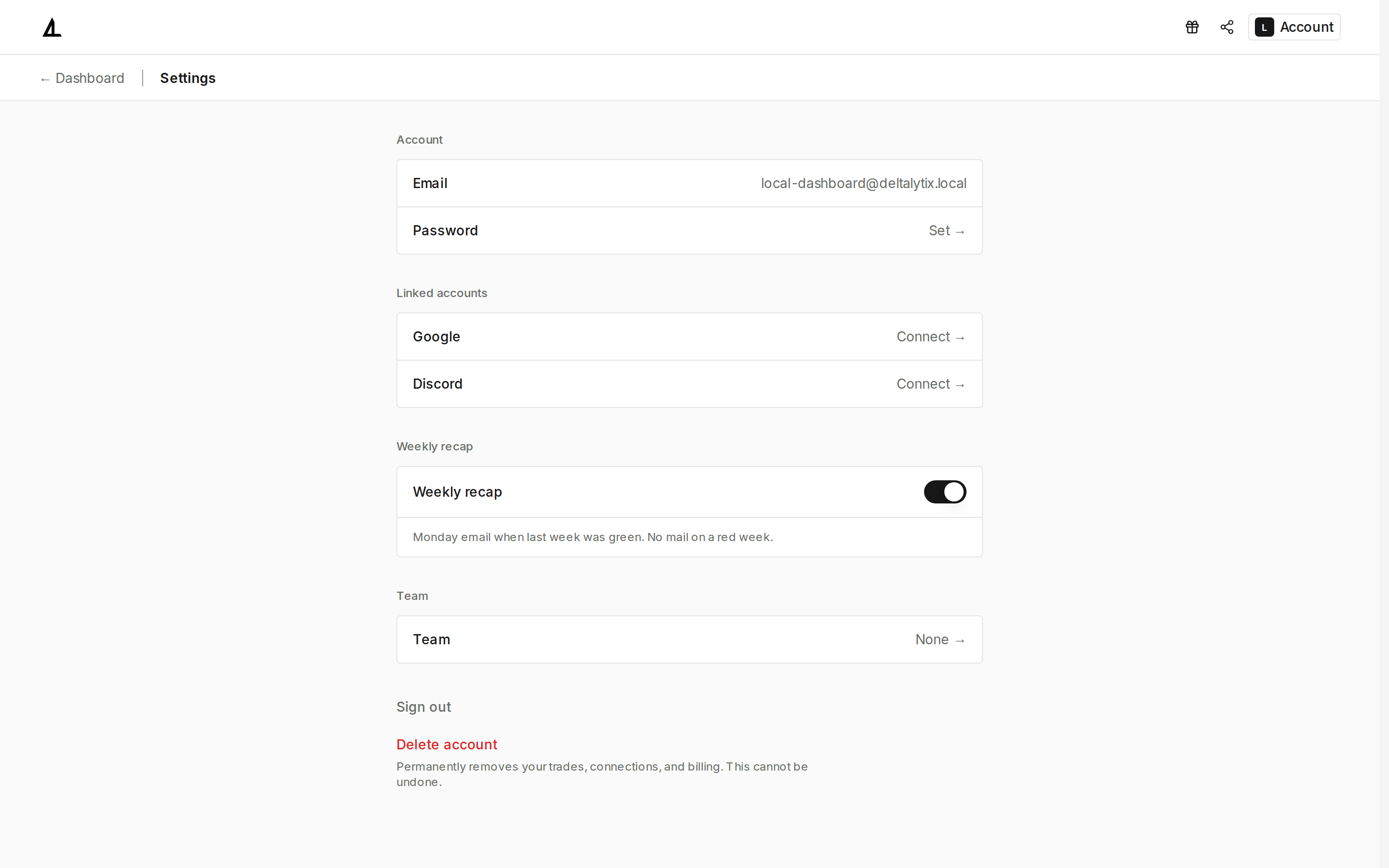
Settings is now a stacked list of five sections: Account (your email, and Set → for a password), Linked accounts (Google and Discord, each showing Connected or Connect →), Weekly recap, Team, and Sign out. Theme, language, and timezone controls moved to the Account menu in the navbar, so they're no longer part of this page.
Weekly recap
The Weekly recap switch opts you into the recap email covered separately in Weekly trading recap emails for green weeks only — delivery is Sunday morning Lisbon time, regardless of the day named in this page's own description text.
Delete account is permanent
Delete account is now available directly on this page, with a confirmation dialog before anything happens. Confirming permanently removes your trades, connections, and billing history, and deletes your account — this cannot be undone. Take care before confirming.
Trading Preferences no longer lives here
The Trading Preferences section and its breakeven range controls are no longer part of Settings. If you had already set a custom breakeven range, it stays stored in your browser and keeps applying to statistics, trade distribution, and PDF exports — there is currently no Settings control to view, change, or reset it.
Open Settings from Account to review your linked accounts and the weekly recap switch.